
Fortress Merge Tools
Controls, specs, and a mid-fight checklist — no fake calculators.
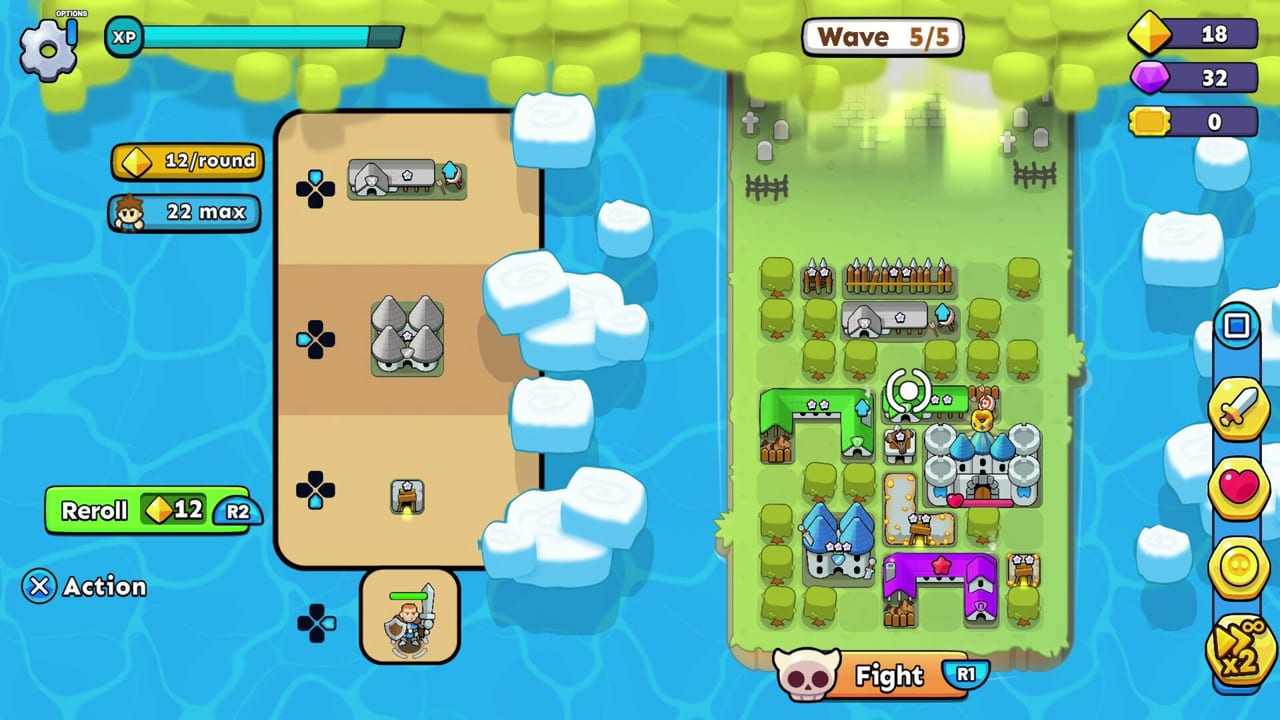
This hub is the practical drawer. Fortress Merge does not need a damage simulator as much as it needs a button map and a “do I merge this?” card you can glance at between waves.
- Controls — mouse, touch, and controller.
- Merge planner — keep, merge, or sell before you press Fight.
For numbers that change with patches (exact HP, exact reroll curve), trust the HUD, not a third-party sheet. The gold guide explains the spend order; this hub does not invent a formula QubicGames has not published.
System requirements (Steam)
Minimum: Windows 10, AMD FX-8320 3.5 GHz, 8 GB RAM, GTX 950, 1 GB disk. Full controller support. Keyboard-only and mouse-only options are listed. Steam Deck compatibility was still unmarked at the 4 September 2026 launch — a gamepad is the safe assumption. Xbox Play Anywhere covers Xbox consoles and Xbox-on-PC. PlayStation ships on PS4 and PS5. Mobile needs a current iOS or Android phone; the App Store listed iOS 15+ during the mobile year.
If the game stutters, turn off speed-up before you blame the GPU. The sim is busiest when every camp is spawning.
How to use the planner
Open merge planner on a second screen or in a tab. When the shop offers a pair, ask: is this a wall or mine (merge), a unique aura (keep one), or a camp (keep extras unless you need the tile)? Then Fight. Do not let the planner replace placement.
What we will not ship as a “tool”
A fake DPS spreadsheet, a gem-code generator, and a hero gacha simulator would all look busy and all be wrong next patch. Fortress Merge hides most numbers on the live card. If the shop says a wall has more HP after a merge, believe that card. If a fan sheet tells you a Tesla outdamages a catapult by 12.4%, ignore it unless you can see the same digits in-game.
The useful tools are boring: a button map, a keep-or-sell card, and the Steam spec so you know a GTX 950-class box is enough. Use them, then go back to the board.
If you want a second monitor workflow, keep this hub on the left, placement on the right, and the game in the middle. Pause is free. The planner is not a speedrun overlay.
Related pages
- Getting started
- When to merge
- Console launch for store links and trophies
- Official links
Frequently Asked Questions
Quick answers to the most common questions.
Is there an official damage calculator?
No. Use the HUD, the merge planner checklist, and the gold spend order.
Does Fortress Merge need a high-end PC?
No. Steam's minimum is a GTX 950-class machine and 1 GB of disk.
Where are controller buttons listed?
On the controls page. Fight is R1 on the launch HUD; skill reroll uses R2.